Argon2id KDF
m=64 MiB, t=3, p=1. Memory-hard derivation that flattens the GPU and ASIC speedup attackers expect from PBKDF2 or bcrypt.
1Key lives only on your phone. No cloud. No account. No telemetry. No INTERNET permission in the manifest. Free, forever.
Mainstream managers charge $30-$90/year for autofill, TOTP, and export - features that should be commoditised by now. The pitch is convenience: sync, recovery, sharing. The bill is an encrypted blob sitting on someone else's machine, attached to your email, waiting for the next breach disclosure.
1Key takes the opposite trade. Your vault lives in one place - this phone - and never leaves unless you explicitly export it. You give up sync and recovery. In return: no vendor server in your threat model, no account to subpoena, no auth blob to brute-force offline, and no subscription.
Premium tiers for autofill, TOTP, and exports - features that ship in 1Key's free build.
GPL-3.0. One tier. The build you sideload is the full app.
A walk through the cryptographic and UX choices behind a vault that never phones home.
m=64 MiB, t=3, p=1. Memory-hard derivation that flattens the GPU and ASIC speedup attackers expect from PBKDF2 or bcrypt.
Authenticated encryption with HKDF-SHA256 subkey separation. Each field is encrypted independently and bound by AAD to its row and column.
Symmetric encryptionThe password check sits in EncryptedSharedPreferences, not next to the database. A leaked SQLite file alone has no oracle to brute-force on devices with a working hardware Keystore.
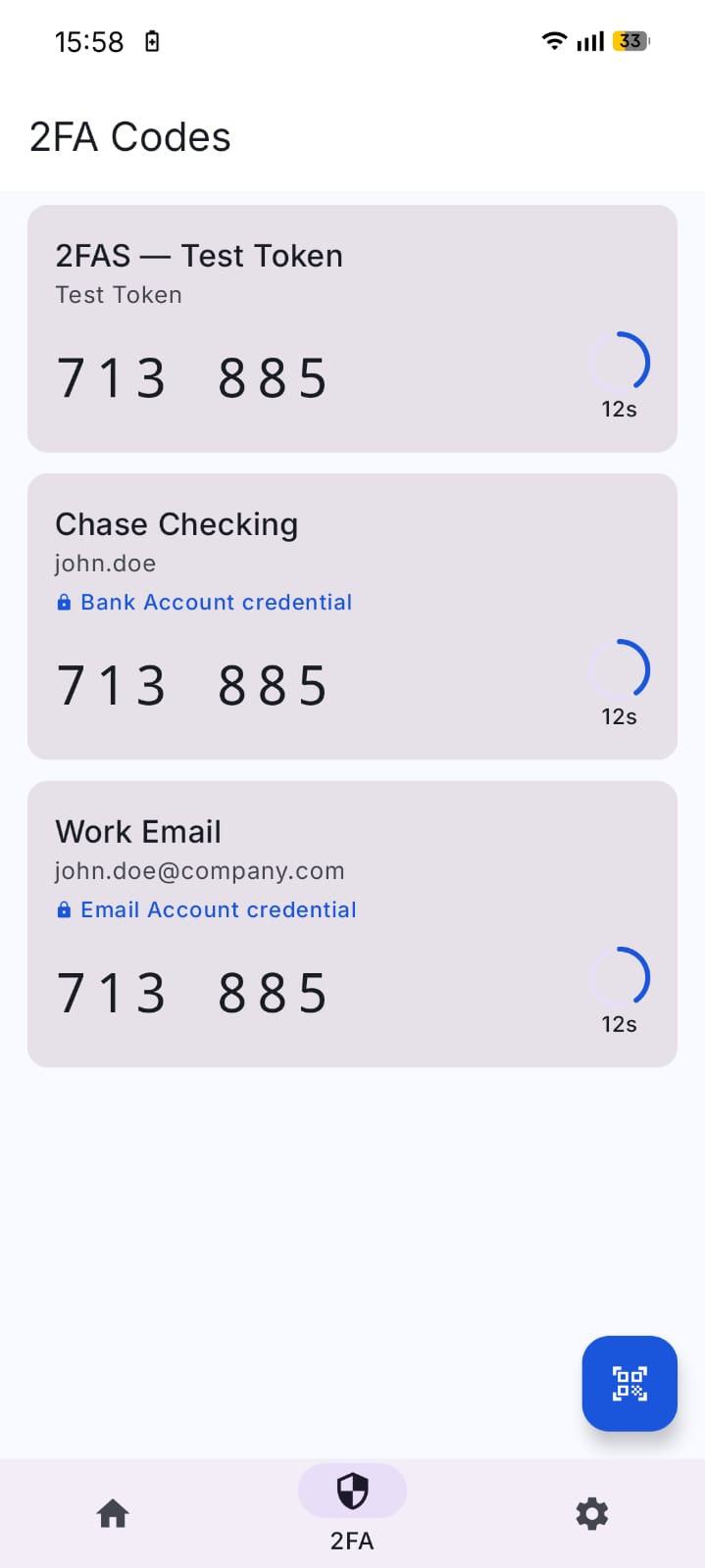
Your second factor lives next to the credential it protects. No app switching, no premium tier, no separate authenticator to set up.
2FA built-inPoint the camera at a card, screen, or printed token. On-device ML Kit extracts the text. Nothing uploads. Nothing trains a model elsewhere.
On-device MLAES-256-GCM under Argon2id, with timestamp, vault-version counter, KDF parameters, and a Secret Key FLAGS byte all bound into the auth tag. V1-V4 still restore; manual exports now write V5.
Anti-rollbackGoogle Passwords, LastPass, KeePass, 1Password, Safari / iCloud Keychain, Dashlane, NordPass. Drop the CSV - no manual column mapping.
7 formatsCategories, favourites, recycle bin, search, sort, autofill, biometric unlock. Free tier in 1Key is the only tier - there is nothing else to upsell.
Everything includedFull cryptographic architecture and threat model: read the white paper →
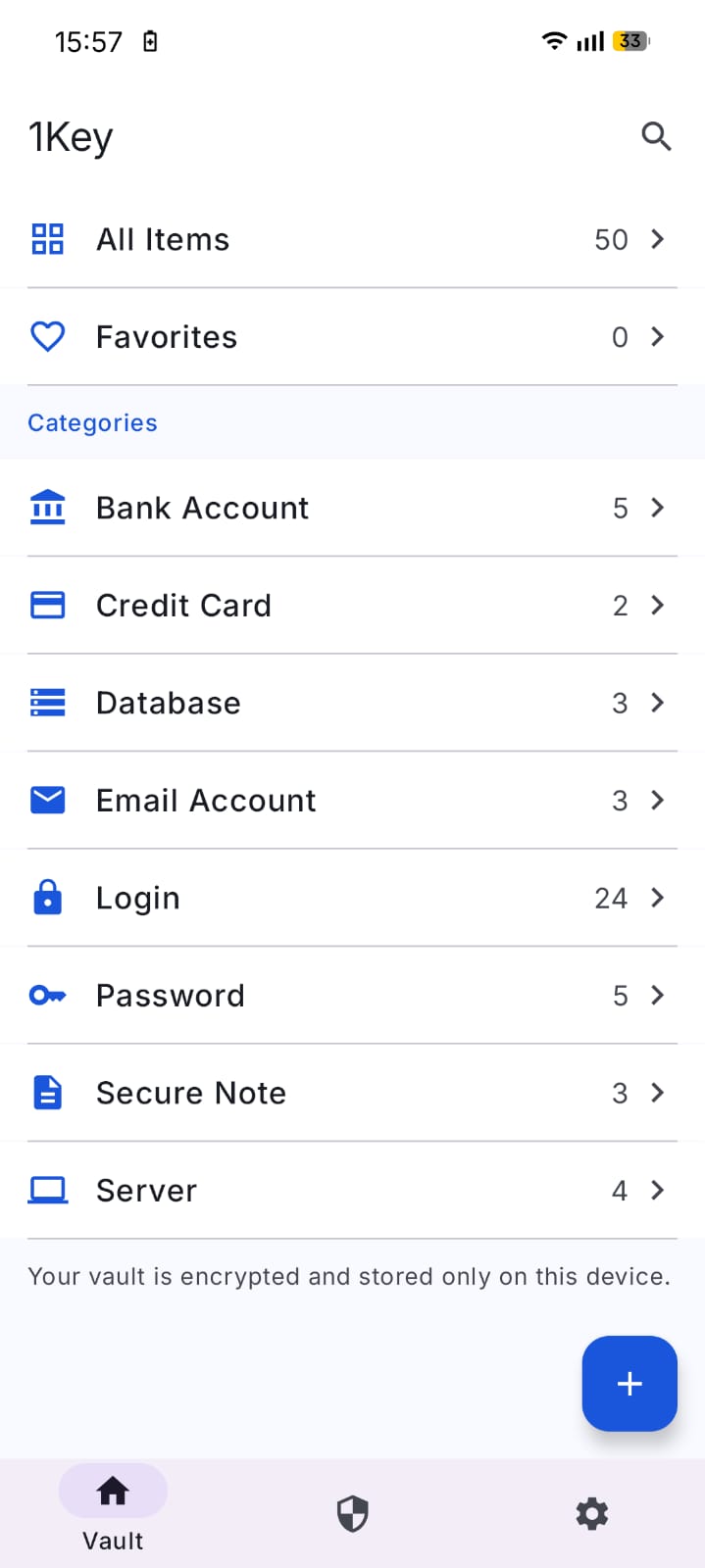
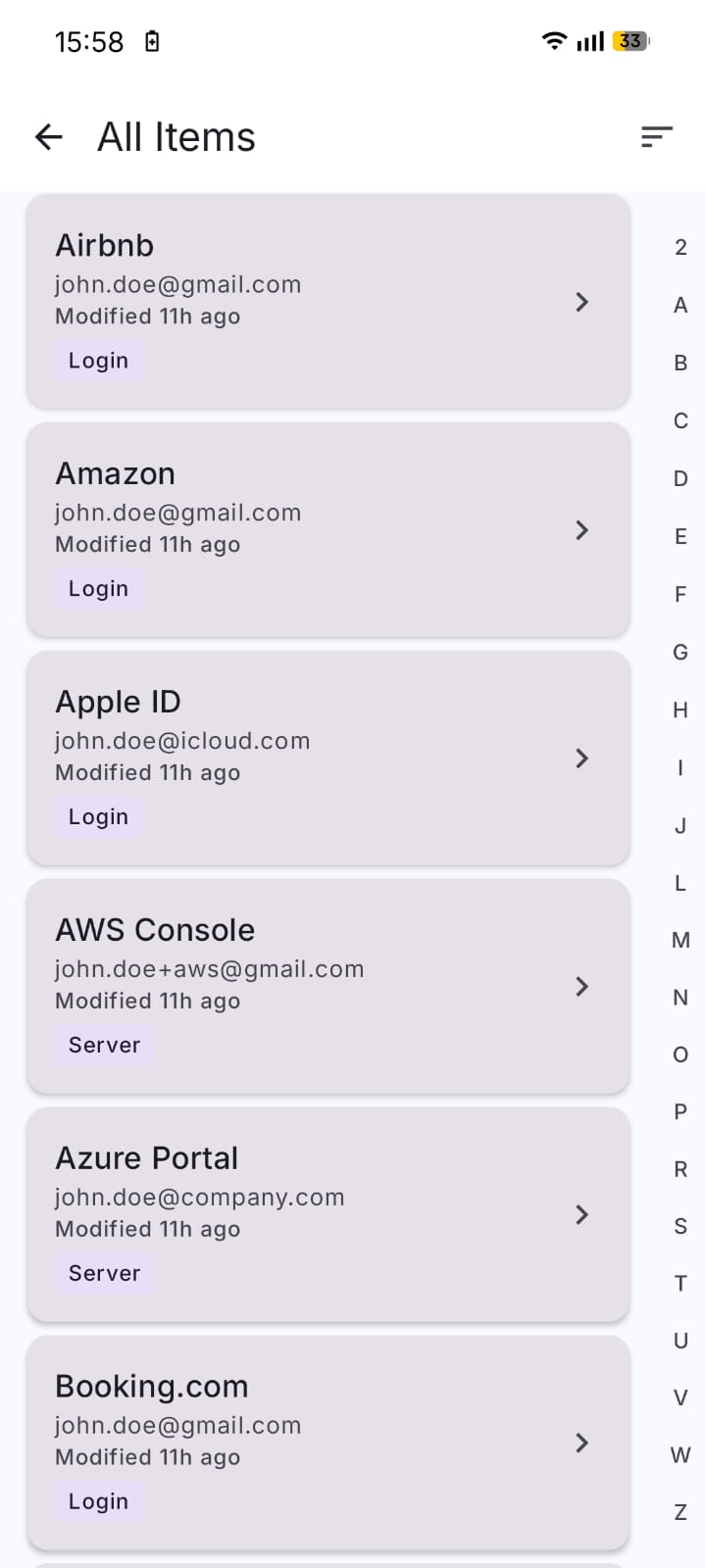
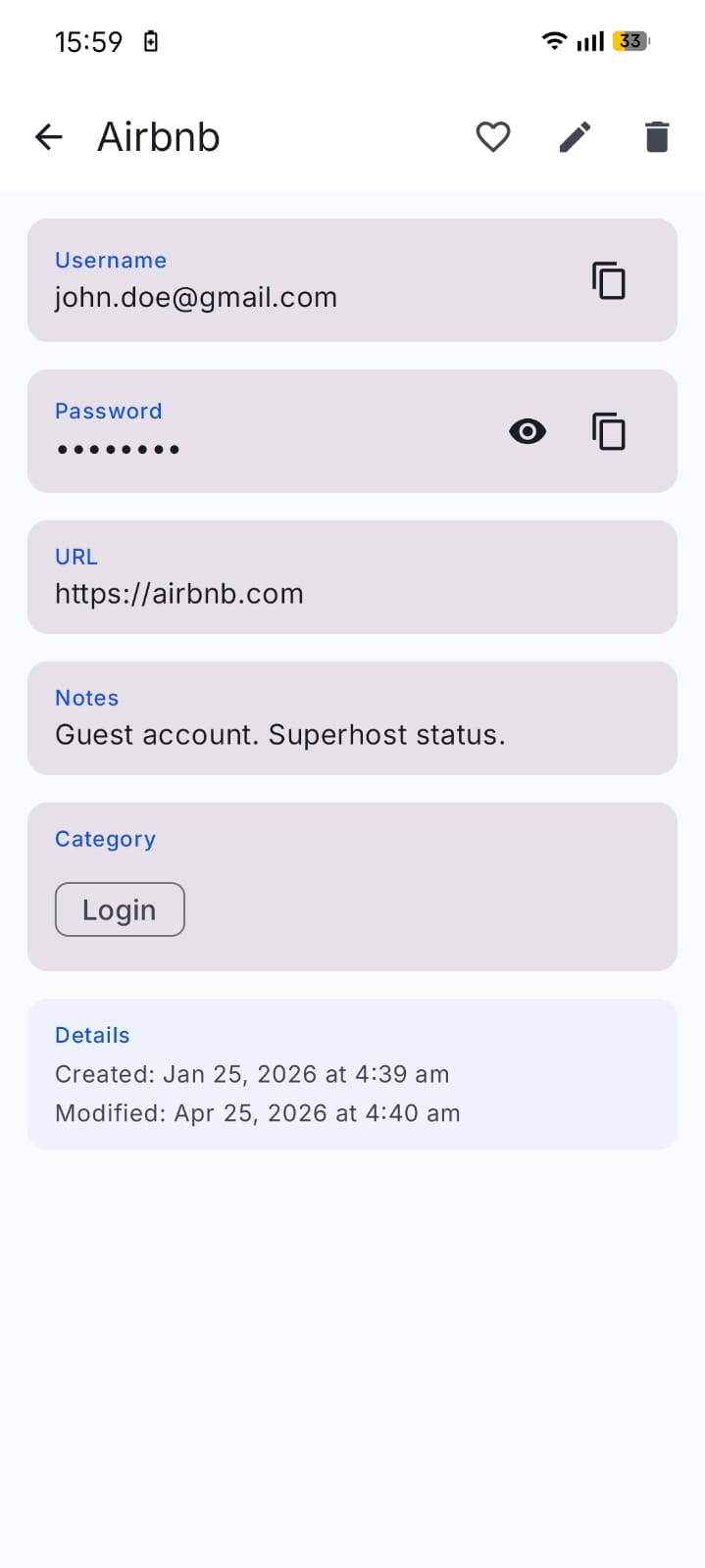
Four screens. No onboarding to a server. No "verify your email." Set the master password, the vault opens.
These aren't an MVP backlog. They're the architecture working as designed.
No cross-device cloud sync. Lose the phone without a current backup, lose the vault. Encrypted backups (manual export or the optional Sync-to-folder feature) are your safety net - make them.
No recovery, no escrow, no reset link. Forget it without a backup, lose the vault. There is no admin who can help.
No on-call, no SLA, no third-party security audit yet. The code is open - read it, build it, run whichever version works.
If you need cross-device sync, team sharing, or vendor recovery, choose a hosted manager. They exist for good reasons. 1Key is for users who deliberately want no vendor server in their threat model.
Install from F-Droid (the easy path), sideload the signed APK from GitHub Releases, or build from source in three commands; F-Droid reproduces our build byte-for-byte.
F-Droid is the easy path - one tap, automatic updates, and it reproduces our build byte-for-byte. Prefer a direct APK? Grab it from GitHub Releases and verify the SHA-256 against the release notes before sideloading.
Clone, compile, install. No .env, no Firebase token, no service account.
Pick where to install from - both are the same signed, reproducible build.
F-Droid Recommended One tap, auto-updates, reproducible FOSS build. Best for most people. GitHub Releases Direct APK, updated first. The only place for the full build (adds photo-scan OCR).Android 8.0+ · verify the SHA-256 in the release notes before sideloading